
- News
- /
- ASCII Smuggling Exposes a Deeper Email Trust Problem
ASCII Smuggling Exposes a Deeper Email Trust Problem
Mailprotector · Oct 8, 2026 · 3 min read
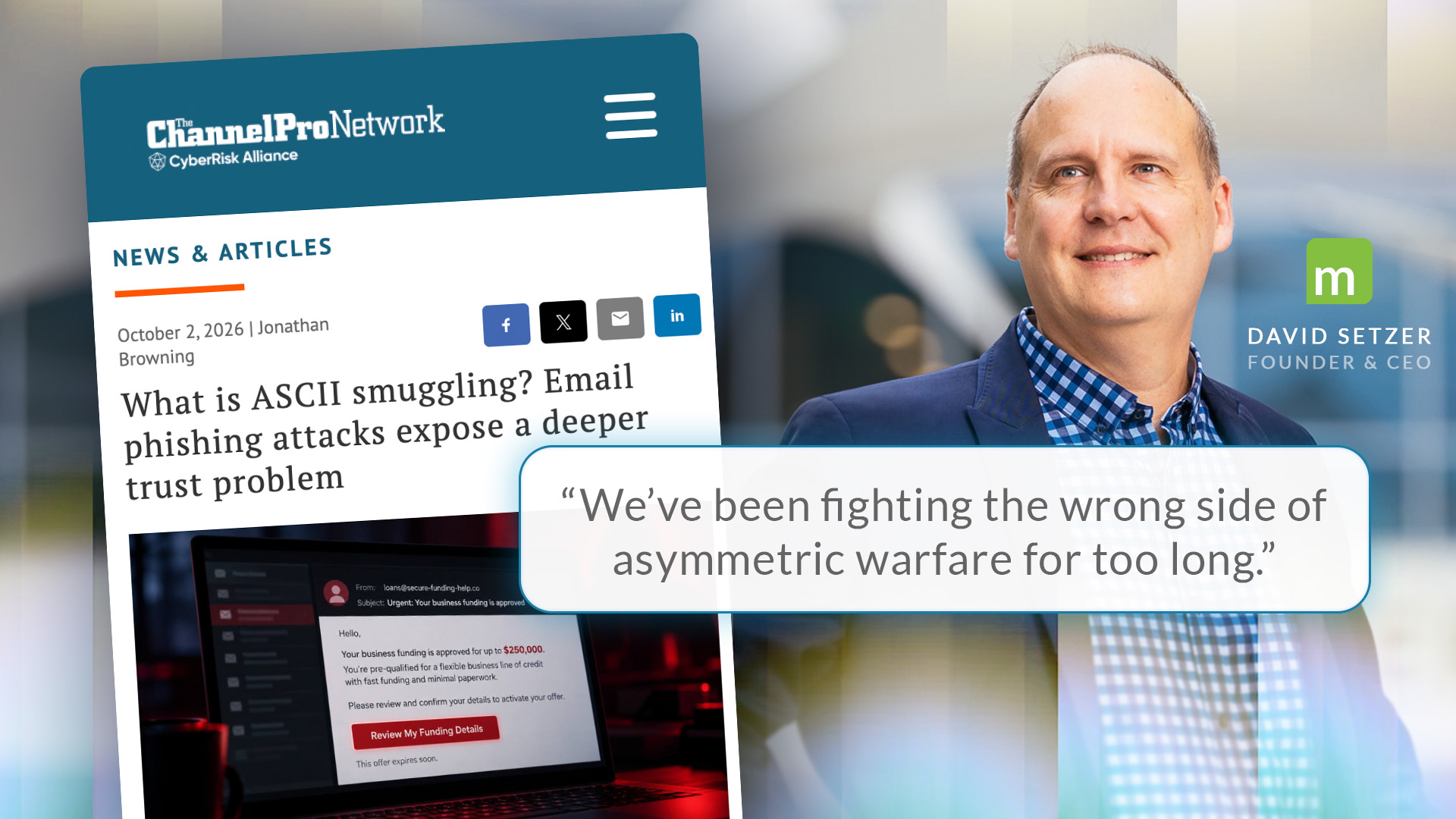
ASCII smuggling lets attackers hide invisible Unicode characters inside ordinary words. This can let phishing emails slip past filters that rely on specific text strings to trigger rules. That means that the message not only arrives, but it looks normal to the recipient. In an article for The ChannelPro Network, Jonathan Browning, executive director of content and engagement, examines a campaign that used the technique. Mailprotector Founder and CEO David Setzer explains why it points to a deeper email trust problem.
But the underlying problem is older. Email often receives trust before anyone has verified who sent it or what the message is asking the recipient to do. Setzer argues that the industry has spent decades defending the wrong side of the problem.
“If we’re ever going to solve this problem, we have to flip the email’s trust assumption. We’ve been fighting the wrong side of asymmetric warfare for too long.”
Read the full piece, including Microsoft’s data on the campaign and what it means for layered email defense, in What is ASCII smuggling? Email phishing attacks expose a deeper trust problem by Jonathan Browning at The ChannelPro Network.
Read the full story at The ChannelPro Network Read the articleWhat This Means for MSP Email Security Practices
The ChannelPro article points at a challenge that outlives any single evasion technique. Email was built to accept mail from strangers, and detection only decides what to take away from that starting position. Below, we answer a few of the questions we’re hearing from MSPs about what that means in practice.
Can email filters catch phishing that uses ASCII smuggling?
Often, but not on content inspection alone. An invisible Unicode character placed inside a word leaves it readable to a person while changing what literal keyword rules, regular expressions, and some machine learning systems see. Microsoft reported that other layers, including sender reputation and authentication checks, much like those seen in Shield, still caught more than 99% of the campaign. It is likely in any emerging attack there will still be that 1%, which is why it is crucial to have a layered security approach with email security working alongside other tools like ITDR or MDR should anything get through.
What does zero trust mean for email security?
Email runs on an open protocol built to accept messages from unknown senders. Zero trust reverses that assumed trust default. Every message is treated as untrusted until the sender, the certificates, the content, and the requested action can be verified, and mail that cannot clear that bar is handled differently rather than delivered to the inbox.
Which of Mailprotector’s products offer a zero trust email security approach?
Shield is Mailprotector’s zero trust email security filter built to work with Microsoft 365. Shield is built on a hybrid model, blending the best of traditional secure email gateways and modern APIs, to protect users at both the inbox (before receipt) and the perimeter (after receipt). At its core, Shield’s zero trust approach means that the system requires every email to be verified on multiple facets: existing trusted contacts, verified signatures, country of origin, included content, and more. When it comes to Shield, no email is trusted simply for looking legitimate, which was the focus on this specific phishing campaign. Going one step further, Shield also allows users to interact with emails in a secure sandbox environment called X-Ray, where they can see which aspects of the email caused the block.
Ready to see what email security looks like when it's fixed?
Join thousands of MSPs who protect their clients with Mailprotector.